
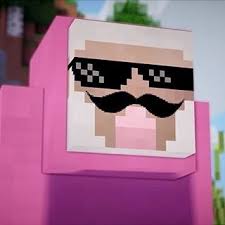
First of all, I should explain what the Pink SMP is, the Pink SMP is a minecraft bedrock edition server that is hosted using the minecraft server software, Apex Hosting, this server has been through many different phases that will all be explained later.
So lets talk about the history of the server, the server was started about a year ago, when exactly it was started is still being debated. this server was originally not a serevr, it was simply a world being hosted on somebody's device, it was like this for a while, then it was a realm, and now a server.

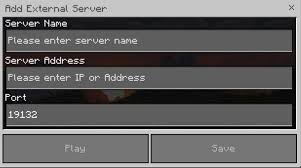
So, if you have been given this website, it is most likely because you have been recruited for the website, and because I am too lazy to give the server information to you directly, this will have all of the information you will need to join. SO, the first thing that you need to know is that if you are playing on a console, this will be MUCH harder to do for you, so there will be seperate steps for if you are on a console. For the people that are not on console, you should be on mobile, desktop, laptop, any other thing and minecraft thinks that is is a console that it is running on. The first step to join the server is make sure that you are signed in with your microsoft account, this step is for both console and not console, how you check this is by opening the game, and in the homepage, look in the bottom left corner of your screen, it may say sining you in with your microsoft account, if it does say that then wait a second. When that is all donw and you waited a few seconds, check if there a a button that said sign in, or sign in with microsoft account, if you dont, then you can skip this step, if you do then click it and go through all of the steps, if you have the sign in button but dont have a microsoft account, you are going to have to make one. Now after that, you are going to click the play button in the homepage, look at the top of your screen, there should be 3 different bars at the top, click servers. When you are in the servers tab, on the left of your screen there will be a sectin where all of the servers are, at the top of that there should be a white button that says add server, click that and enter this information, IP, "31.214.162.21", and then for the port, "25846". Keep in mind that this sometimes changes and if the server does not work, we will try to update this information as fast as possible. And now, if you are on console, too bad for you, I don't have the info right now.
............................................................................................................
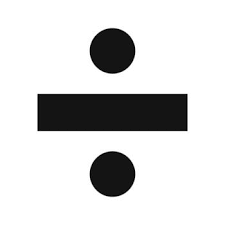
now I am going to talk about some of the things that the people who play the server will need to know, the first of these being that we use a universal currency, this is very important as it is used in most transactions that are made in the server. This currency is beetroots, it sound real stupid, but it is what we use, and then to be able to trade with villagers, you can trade in your beetroots for emeralds, the exchange rate from beetroots to emeralds is, emeralds divided by beetroots ,these amounts are decided by the amount of beetroots and emeralds in a bank that is being used.


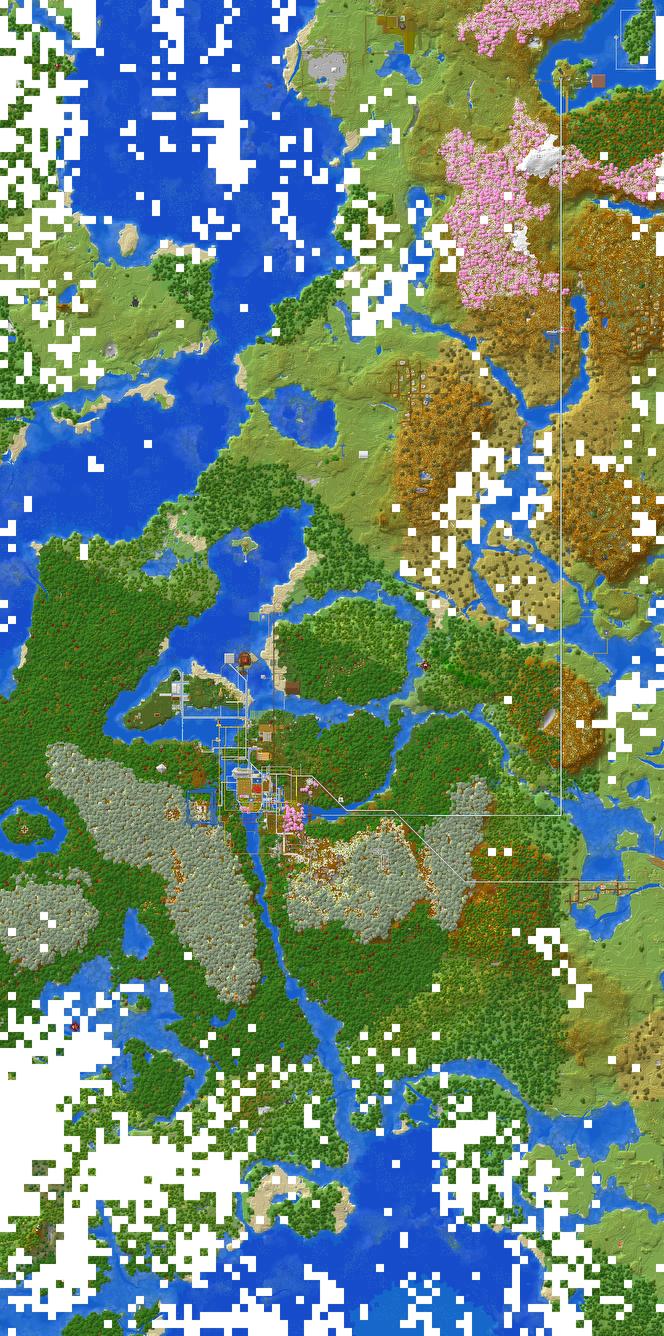
You can look at this preview of the map, if you want to download it an look at the whole thing, then click the thing below..
To learn how I built this website, you can go check out these toutorials to be able to make a website of your own tutorials!